
Fake PhonePe APK vs Original PhonePe App – Main Differences
PhonePe is a popular payment app used by many people for sending and receiving money. Because of its popularity, some people also search for Fake PhonePe APK files on different websites. These files may look like the real PhonePe app, but they can be very different. A fake APK can be made to look like the original app. It may use a similar name, logo, colors, and design. However, this does not mean that the app is safe. A fake app may ask for permissions that it does not need or may try to collect private information.
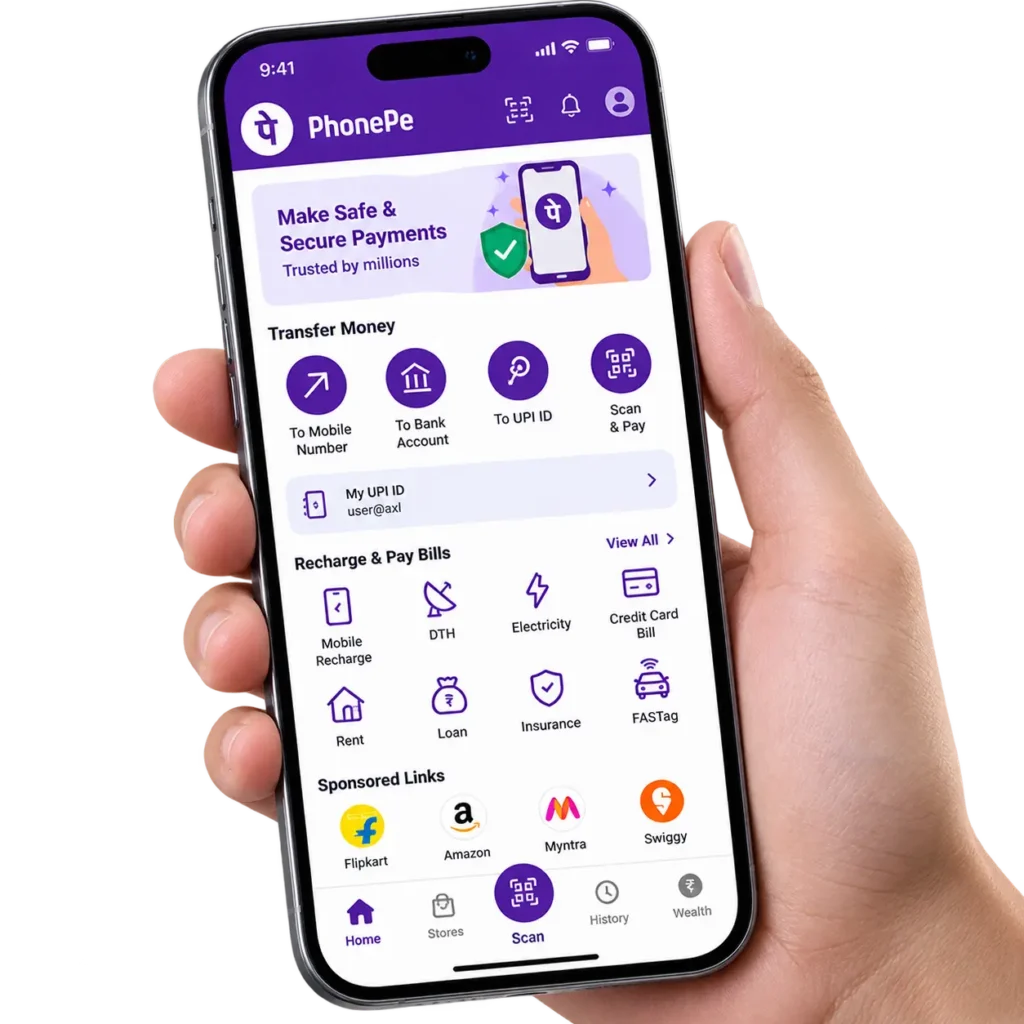
In this article, we will explain the main differences between the Fake PhonePe APK and Original PhonePe App. We will also explain how you can check an app before installing it.
What Is a Fake PhonePe APK?
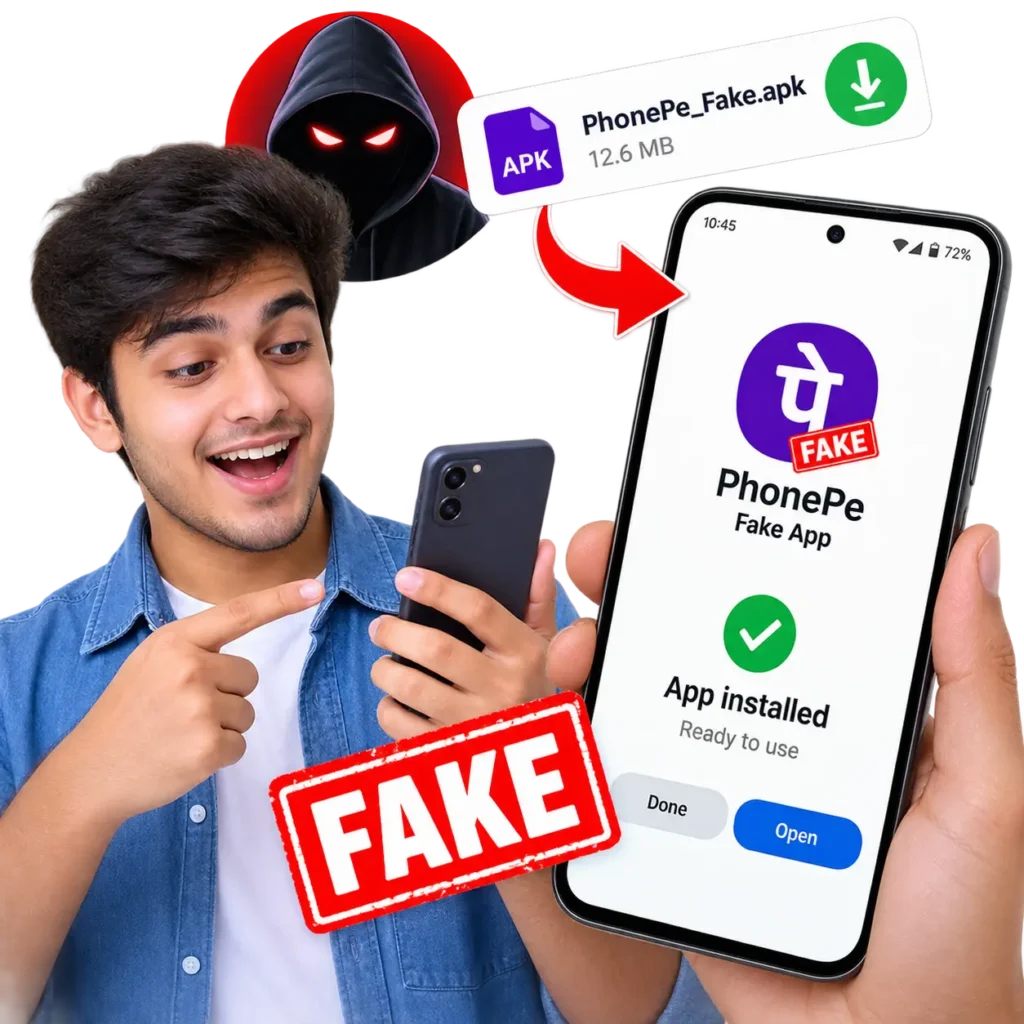
A Fake PhonePe APK is an Android installation file that claims to be the PhonePe app but is not an official version from PhonePe. Some fake APK files are made only to look like the real app. Others may contain harmful software. They can try to collect information from your phone or show fake payment messages. A fake app may also use the PhonePe name and logo to make users believe that it is genuine. This is why users should not trust an APK only because it looks similar to the original app.
What Is the Original PhonePe App?
The Original PhonePe App is the official application provided by PhonePe. It is designed for digital payments and other supported financial services. The official app receives updates from the developer. These updates can include security improvements, bug fixes, and new features. For safety, users should get the app from an official and trusted source instead of downloading random APK files from unknown websites.
Fake PhonePe APK vs Original PhonePe App
There are several important differences between a fake PhonePe APK and the original app.
Official Source
One of the biggest differences is the source. The original PhonePe app is distributed through official channels. Users can check the developer information before installing it. A fake PhonePe APK may be shared through unknown websites, social media posts, messages, file-sharing services, or other unofficial sources. If you find an APK from an unknown source, you should be careful before installing it.
Developer Information
The original app has official developer information. Before installing an app, check its developer name and other available information. Do not assume that an app is genuine just because it has the PhonePe logo. A fake APK may use a similar app name or description to confuse users. Checking the developer information is a simple step that can help you avoid suspicious apps.
App Permissions
Permissions are another important difference. A payment app may need certain permissions for specific functions. However, a fake app may ask for permissions that do not make sense for its purpose. For example, be careful if an unknown payment APK asks for access to your SMS, contacts, notifications, files, microphone, or other sensitive areas without a clear reason. You should always review the permissions before installing an app.
Security Updates
The original PhonePe app receives updates from its developer. These updates can help fix problems and improve security. A random Fake PhonePe APK may not receive proper security updates. Some APK files may also be old or modified versions. Using an outdated or modified payment app can create extra security risks.
App Behavior
A fake app may behave differently from the original PhonePe app. You may notice strange pop-ups, unusual advertisements, unknown messages, or requests for unnecessary permissions. Some fake apps may also show fake payment confirmations. This can be dangerous for shop owners because a person may show a fake payment screen and claim that the payment was completed. Always check the actual payment status instead of trusting a screenshot or screen shown by another person.
Fake Payment Messages
Some fake payment apps are designed to create fake payment alerts or screens. For example, a person may try to show a message saying that ₹1,000 has been paid. But the money may never reach the receiver. This is why sellers and shopkeepers should check their own PhonePe account, bank account, or transaction history before giving goods or services. A screenshot is not proof that money has been received.
App Updates
The original PhonePe app can receive regular updates through official app stores. Fake APK files may require users to download a new file from another unknown website whenever a new version appears. This can make it difficult to know whether the file is genuine. If an unknown website asks you to download a new APK urgently, do not rush. First check the official source.
Privacy Risks
Your phone can contain important personal information. This can include messages, contacts, photos, documents, and notifications. A harmful fake APK may try to access information that it does not need. This is one of the main reasons why users should avoid installing unknown payment APK files. You should be especially careful with apps related to banking, payments, and other financial services.
How to Identify a Fake PhonePe APK
You do not need advanced technical knowledge to perform some basic checks. Look at the following things before installing an app:
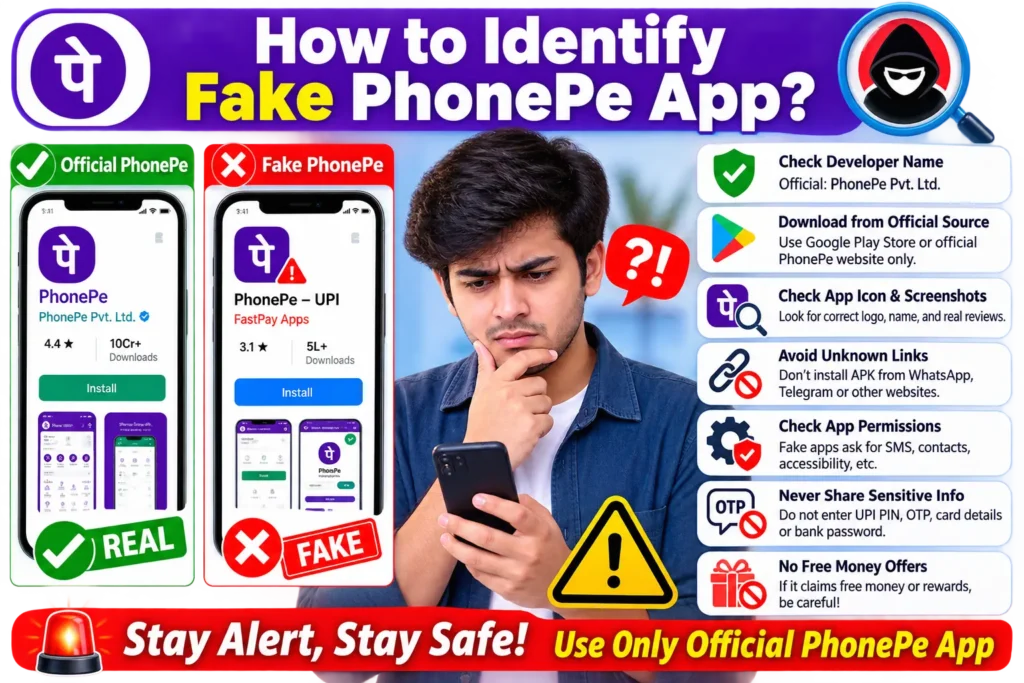
- Check where the APK came from.
- Check the developer information.
- Read the app description carefully.
- Look at the permissions requested by the app.
- Avoid APKs from unknown websites.
- Be careful with apps promising free money or special rewards.
- Do not trust an app only because it has the PhonePe logo.
- Keep your Android phone updated.
- Use your phone’s security tools to scan suspicious files.
If something looks unusual, it is better not to install the APK.
Can a Fake PhonePe APK Be Dangerous?
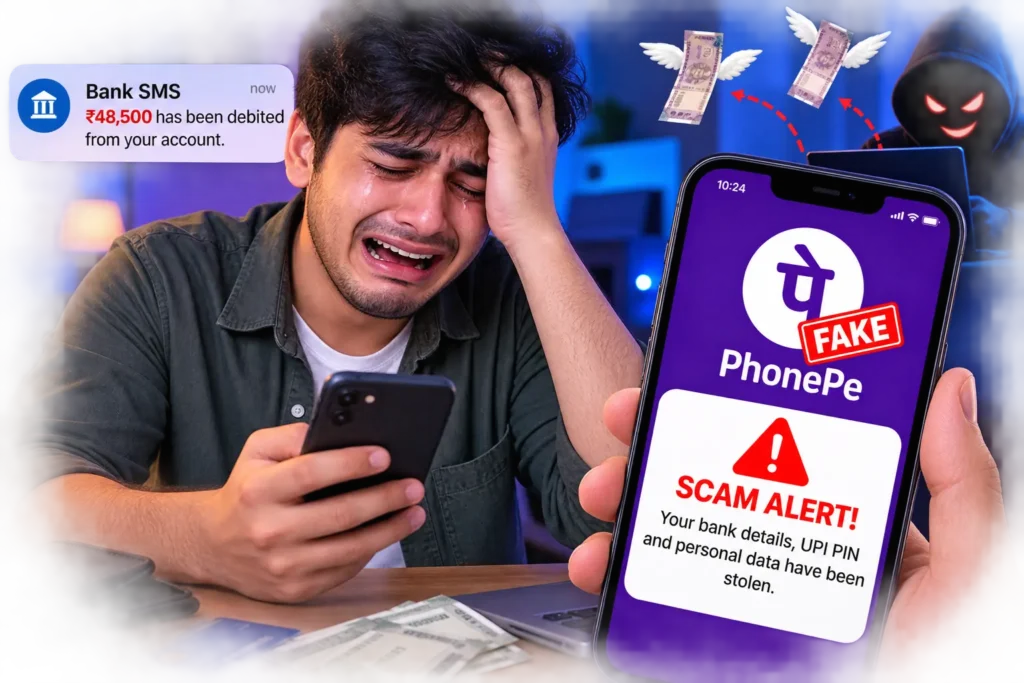
Yes, a fake payment APK can be dangerous. The level of risk depends on what the APK contains and what permissions it gets. Some fake apps may simply be misleading, while others may contain harmful software. A malicious app may try to access sensitive information or trick users into giving away important details. For this reason, users should never treat an unknown payment APK as safe just because it looks like the original app.
What Should You Do If You Installed a Fake PhonePe APK?
If you think you installed a fake PhonePe APK, do not ignore it. First, remove the suspicious app from your phone. You should also review the permissions that were given to it. If you entered sensitive information after installing the app, take appropriate steps to protect your accounts. Check your recent transactions and contact the relevant service provider if you notice anything unusual.
You can also use trusted security tools to check your device for harmful software. If money has been lost or you believe that financial information has been exposed, report the issue as soon as possible through the proper official channels.
How to Stay Safe From Fake PhonePe APK Files
The best way to stay safe is to avoid unknown APK files. Download payment apps from official and trusted sources. Keep your phone and apps updated. Never share your UPI PIN, OTP, passwords, or other sensitive information with anyone. Also remember that you do not need to install a special APK to receive a normal payment. If someone asks you to install an APK to receive money, claim a reward, or complete a payment, stop and check the situation carefully.
Final Words
The main difference between the Fake PhonePe APK and Original PhonePe App is trust and source. A fake APK may copy the name, logo, and design of the original app, but that does not make it genuine. The original PhonePe app comes through official channels and receives updates from its developer. A fake APK can come from an unknown source and may contain unwanted or harmful features. For payment apps, safety should always come first. Avoid random APK files, check app information before installing anything, and never share sensitive payment details with strangers.